
Minimum Order Amount for WooCommerce

Want to prevent low-value orders and increase your average order value?
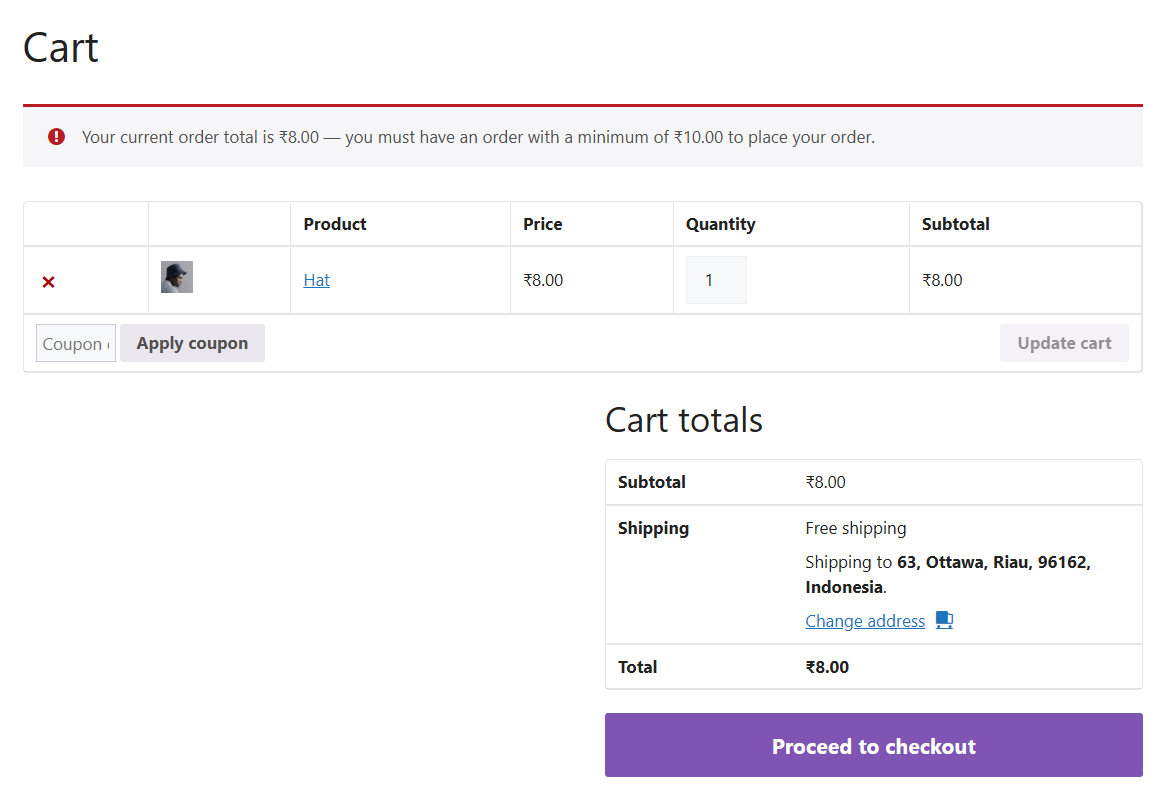
Minimum Order Amount for WooCommerce allows you to define a minimum cart total that customers must reach before they can proceed to checkout.
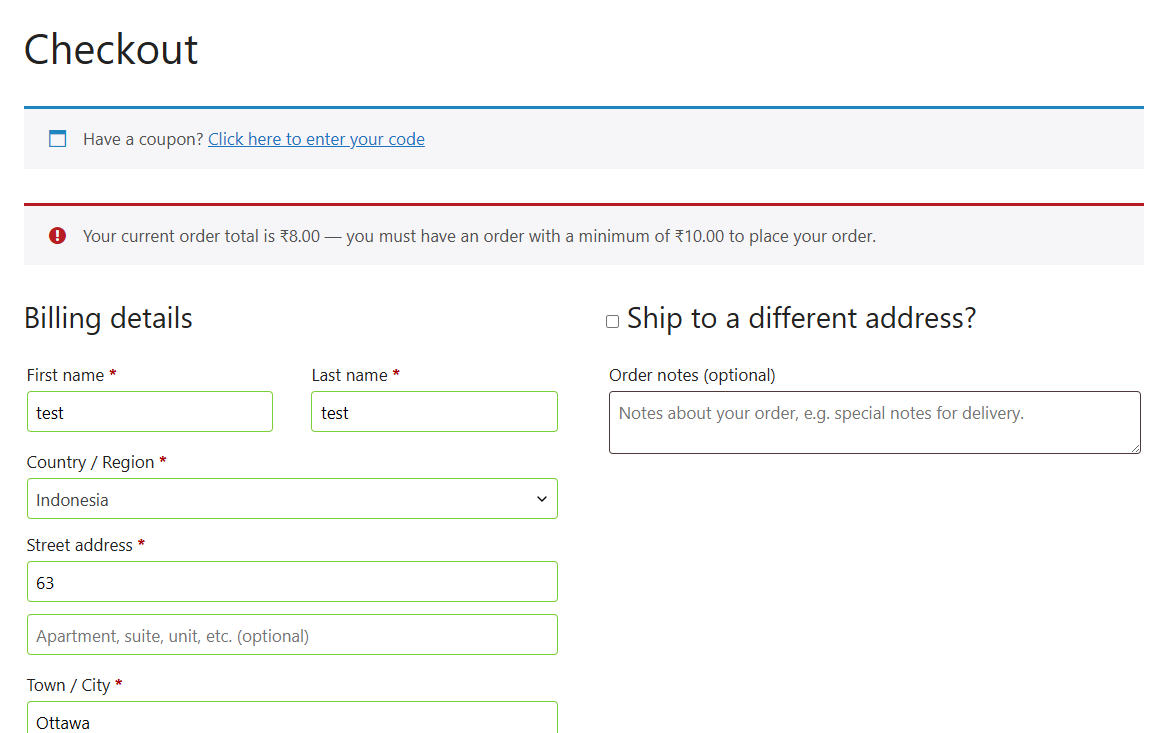
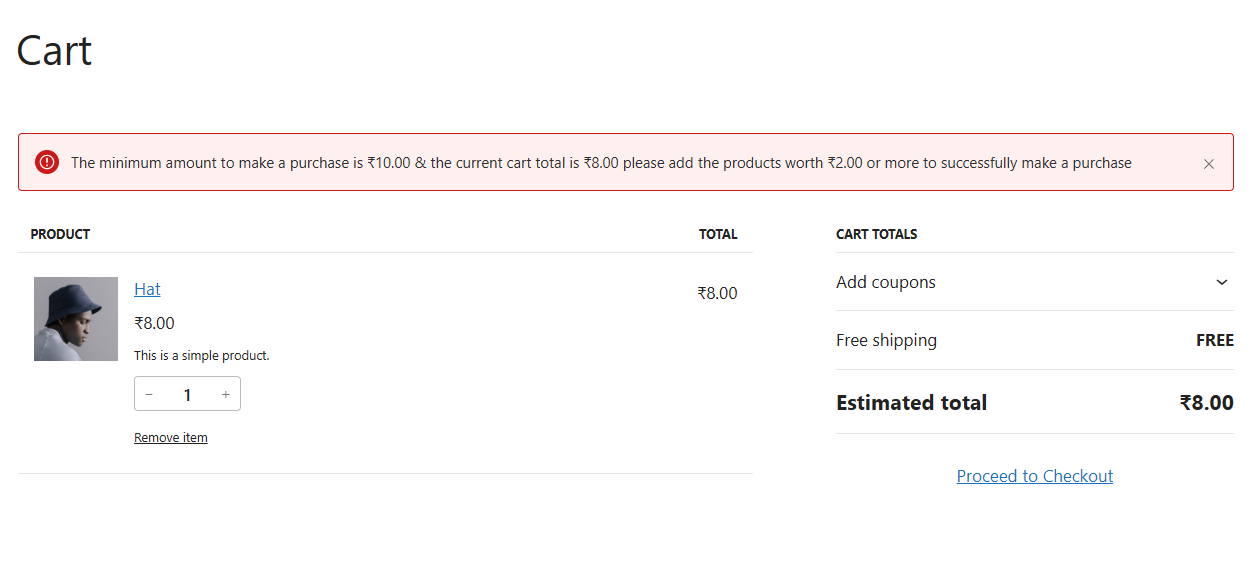
If the cart total is below the required amount, the plugin displays a clear warning message and blocks checkout until the minimum is met. The plugin integrates seamlessly with WooCommerce settings and fully supports High-Performance Order Storage (HPOS) and block-based checkout.
Installation
- Install the plugin using the WordPress built-in Plugin installer, or upload the plugin folder to
wp-content/plugins/. - Activate the plugin from the Plugins menu in WordPress.
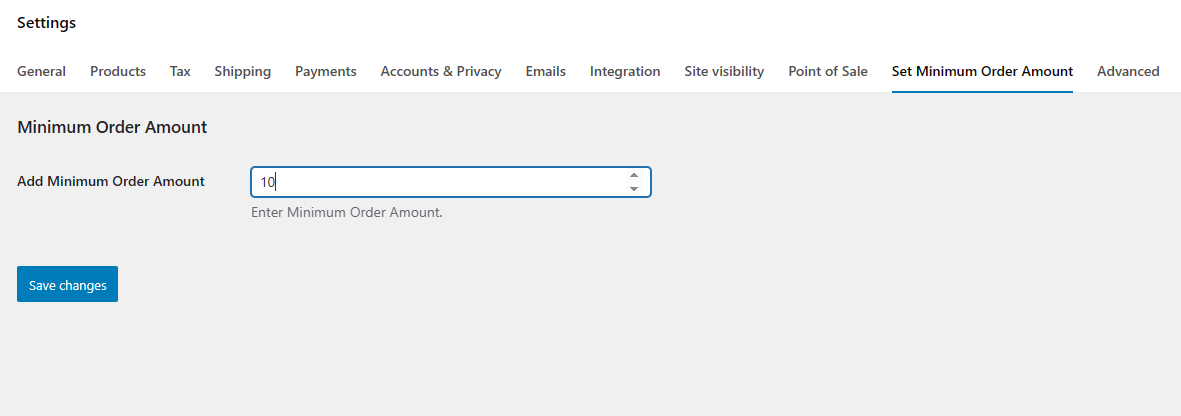
- Go to WooCommerce → Settings → Minimum Order Amount to configure the minimum order value.
- Save changes and the rule will be applied to cart and checkout.
Screen Shots
You may also like our other Products


Reviews
There are no reviews yet.