
Min /Max Quantities for WooCommerce
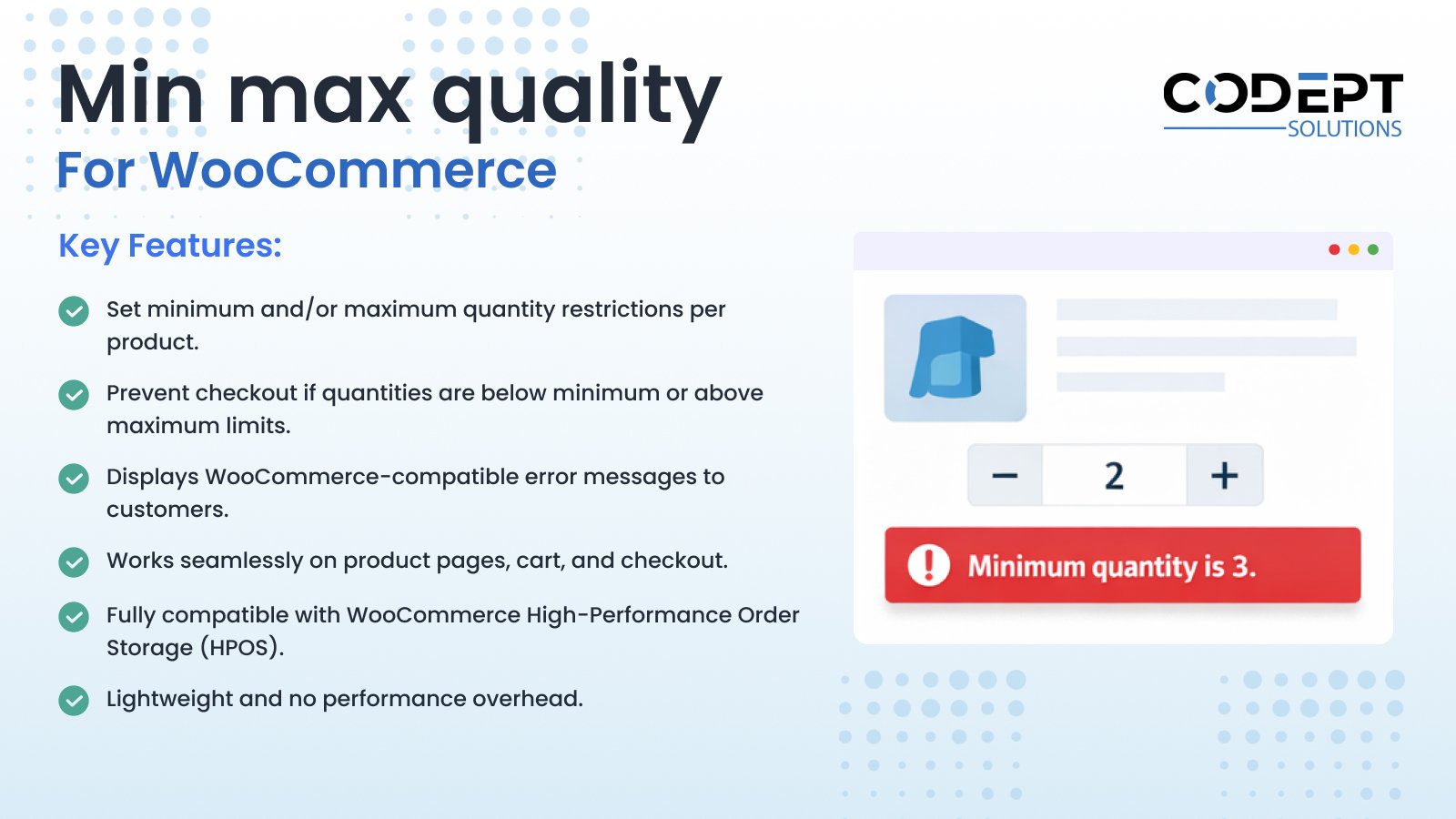
Take full control over how many items customers can purchase from your store.
Min / Max Quantities for WooCommerce allows store owners to define minimum and maximum purchase quantities for individual products. This is ideal for managing inventory, enforcing purchase rules, or encouraging bulk buying.
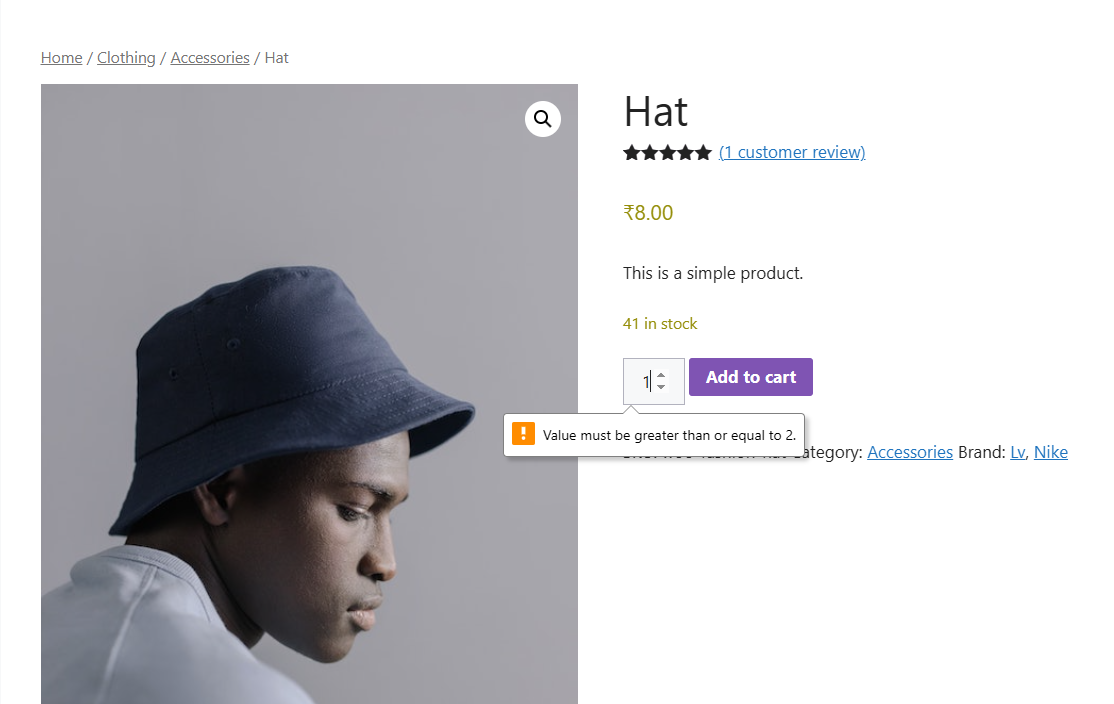
The plugin prevents customers from proceeding to checkout if product quantities fall outside the defined limits and displays clear, WooCommerce-compatible error messages. It integrates smoothly with WooCommerce settings and supports High-Performance Order Storage (HPOS).
Installation
- Install the plugin using the WordPress built-in Plugin installer, or upload the plugin folder to
wp-content/plugins/. - Activate the plugin from the Plugins menu in WordPress.
- Ensure WooCommerce is installed and active.
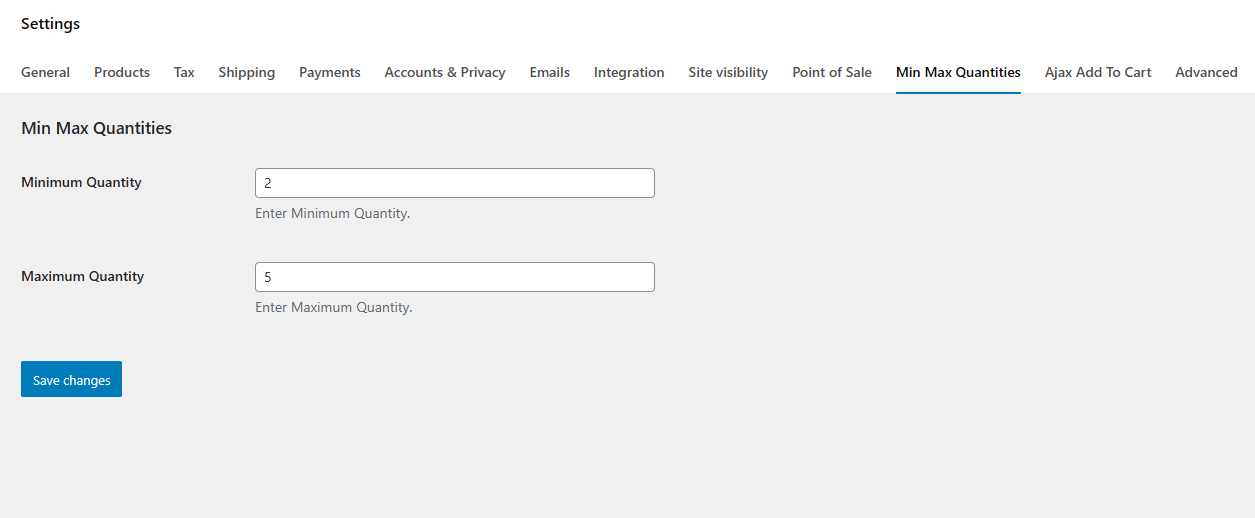
- Go to WooCommerce → Settings → Min Max Quantities to configure quantity rules.
- Edit individual products to set minimum and maximum quantity values.
Frequently Asked Questions
Screen Shots


You may also like our other Products


Reviews
There are no reviews yet.