
Location Wise Stock Manager for WooCommerce
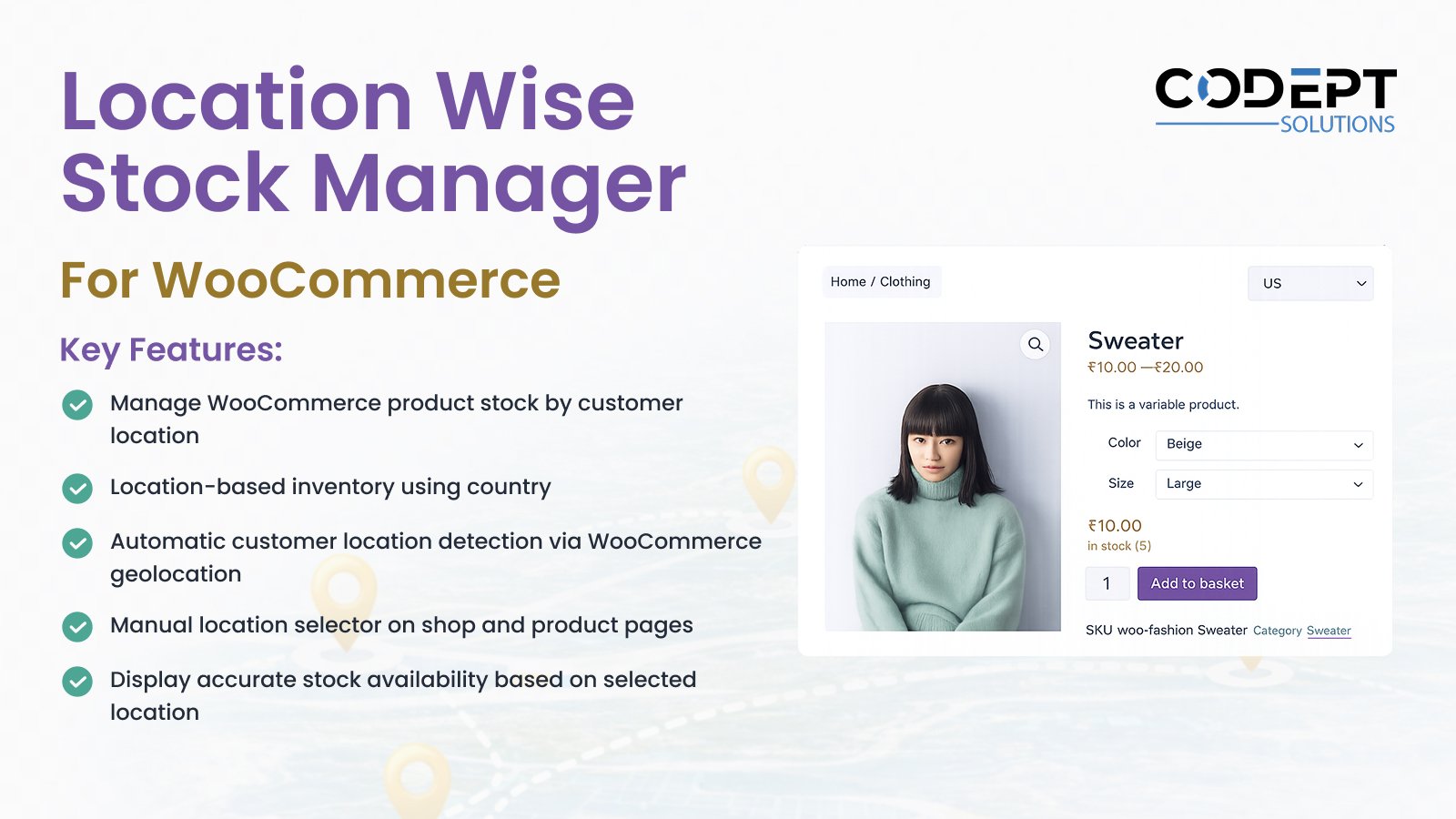
Want to manage WooCommerce product inventory based on where your customers are located?
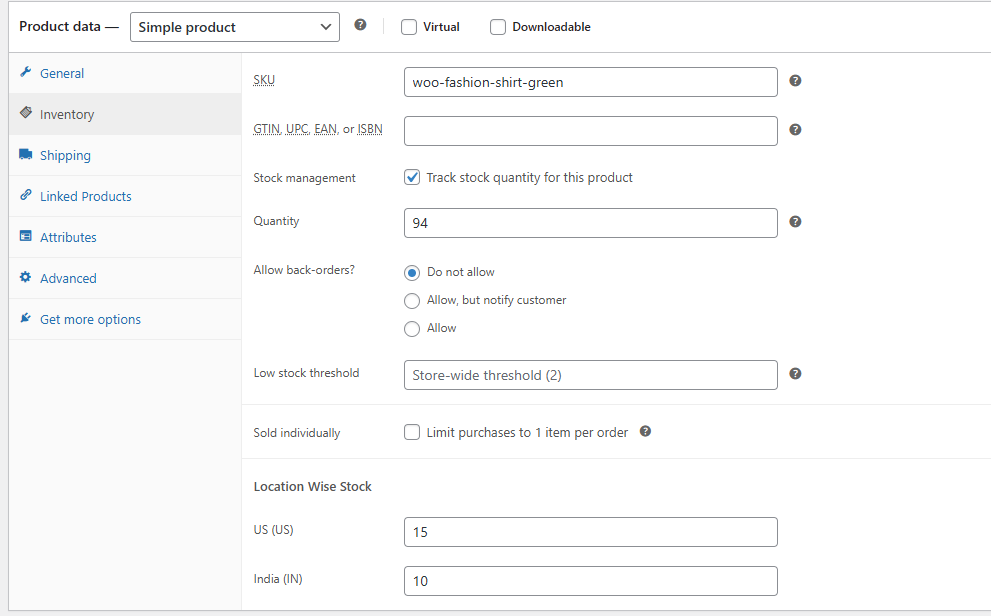
Location Wise Stock Manager for WooCommerce allows store owners to control product stock availability by customer location such as country, state, and city. The plugin dynamically adjusts product purchasability, cart validation, and stock availability based on the selected or detected location—without modifying WooCommerce core behavior.
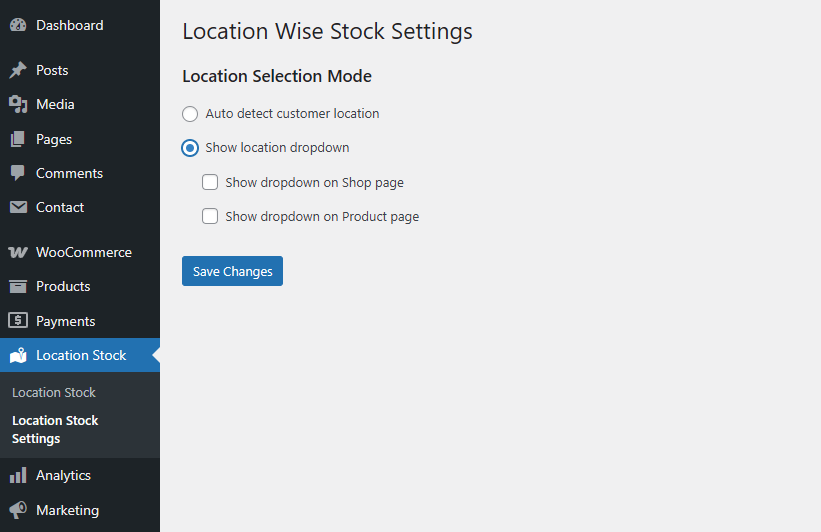
It supports both automatic customer location detection using WooCommerce geolocation and manual location selection on the frontend. This makes it ideal for businesses operating warehouses, distributors, or inventory pools across multiple locations.
Installation
- Install the plugin using the WordPress built-in Plugin installer or upload the plugin folder to
wp-content/plugins/. - Activate the plugin from the Plugins menu in WordPress.
- Ensure WooCommerce is installed and activated.
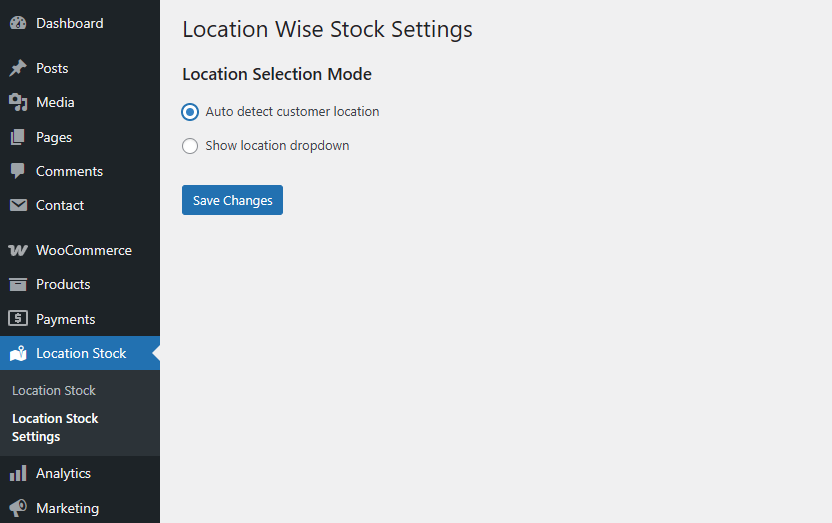
- Navigate to Location Stock → Location Stock Settings.
- Configure the plugin settings as required.
Screen Shots
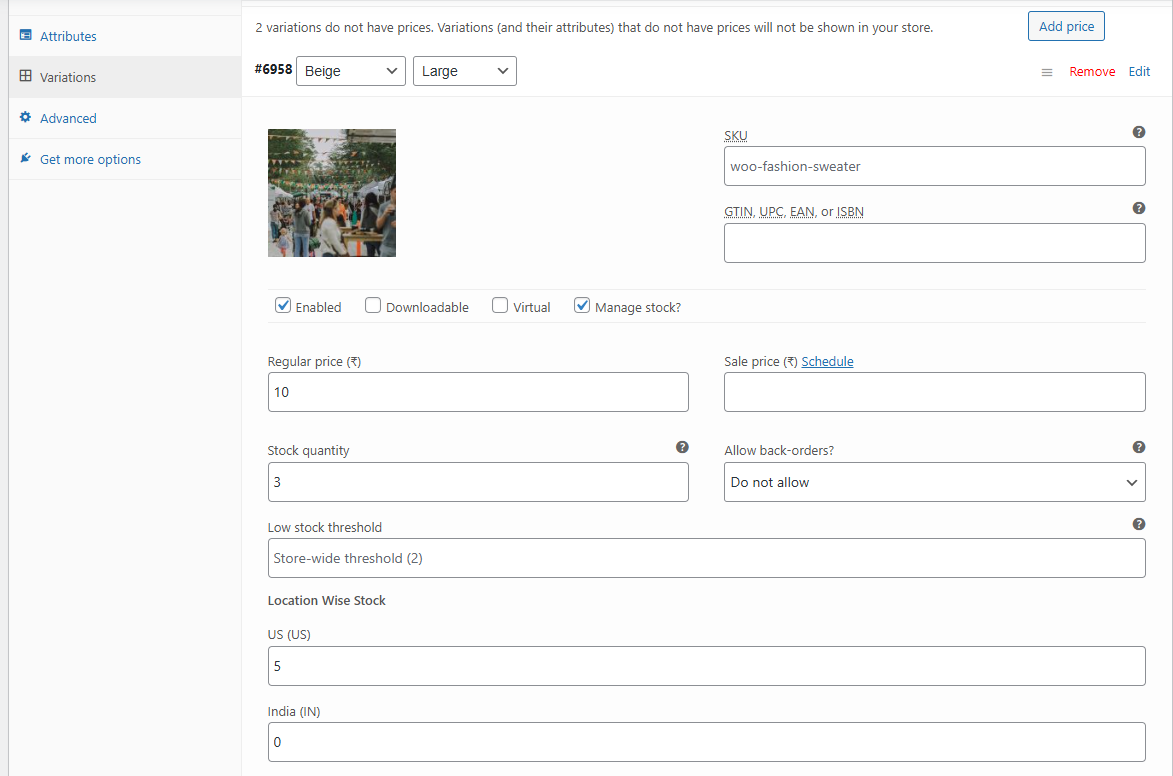
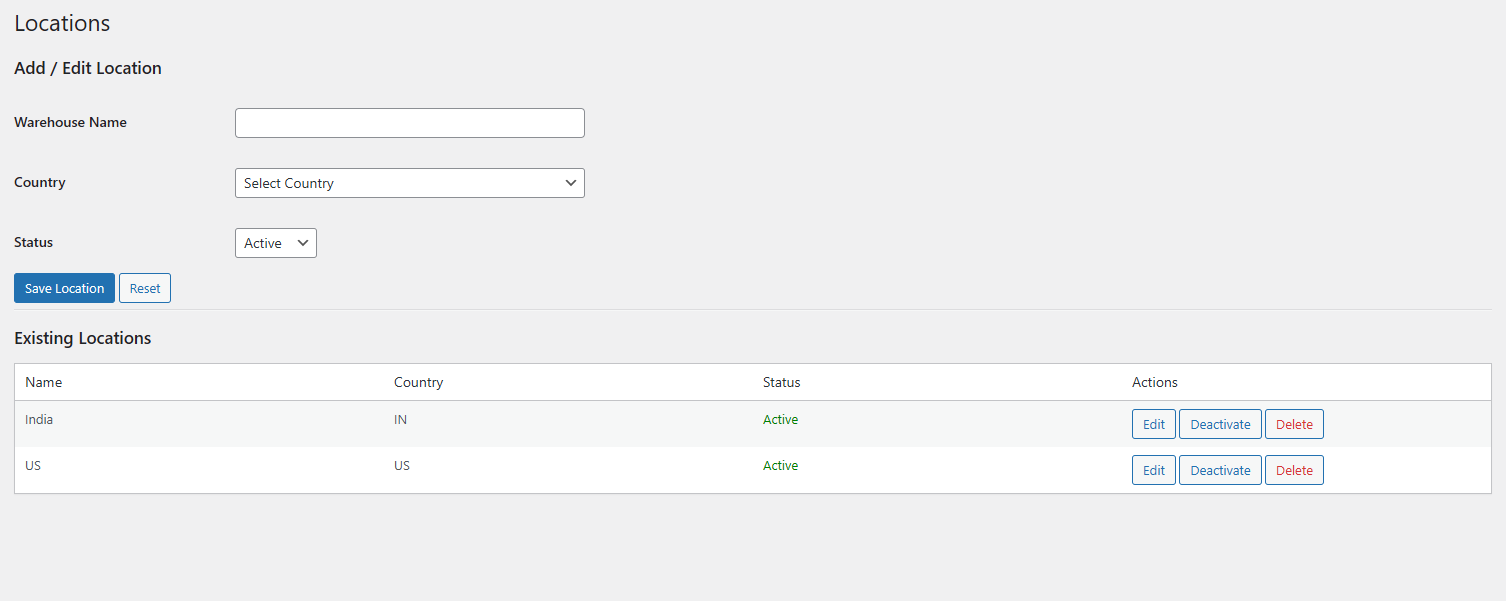


You may also like our other Products


Reviews
There are no reviews yet.