
CS WooCommerce Cart Reservation Timer
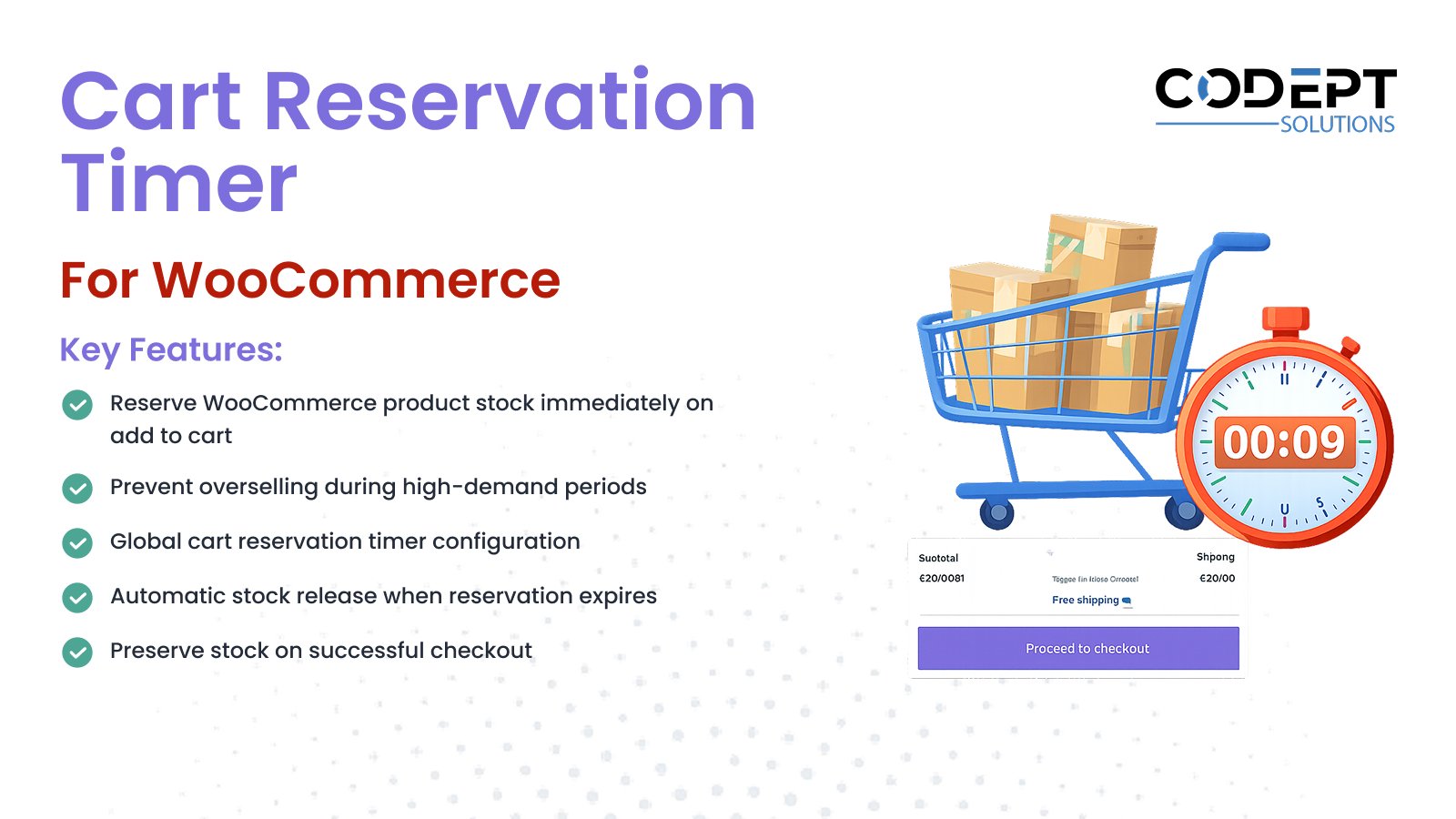
Want to prevent overselling during flash sales or high-traffic shopping periods?
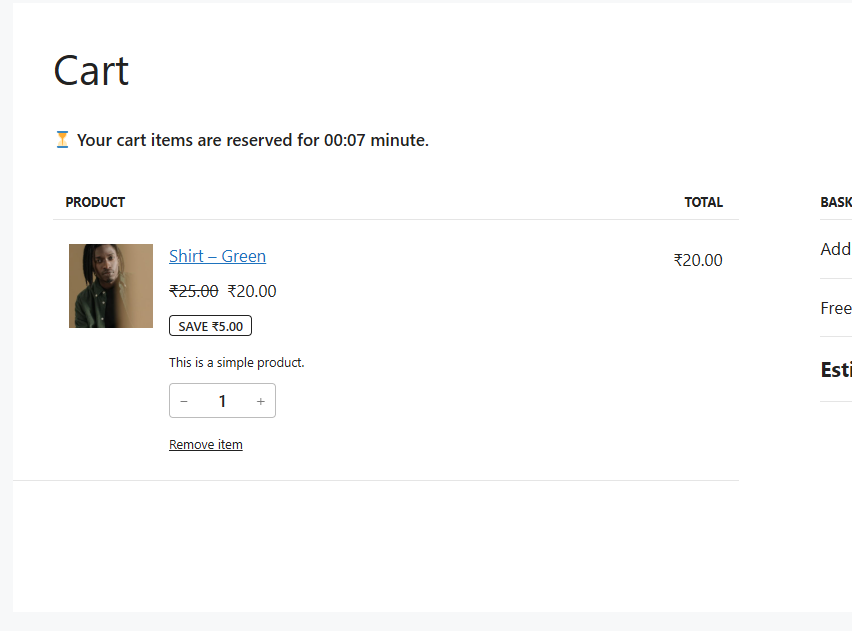
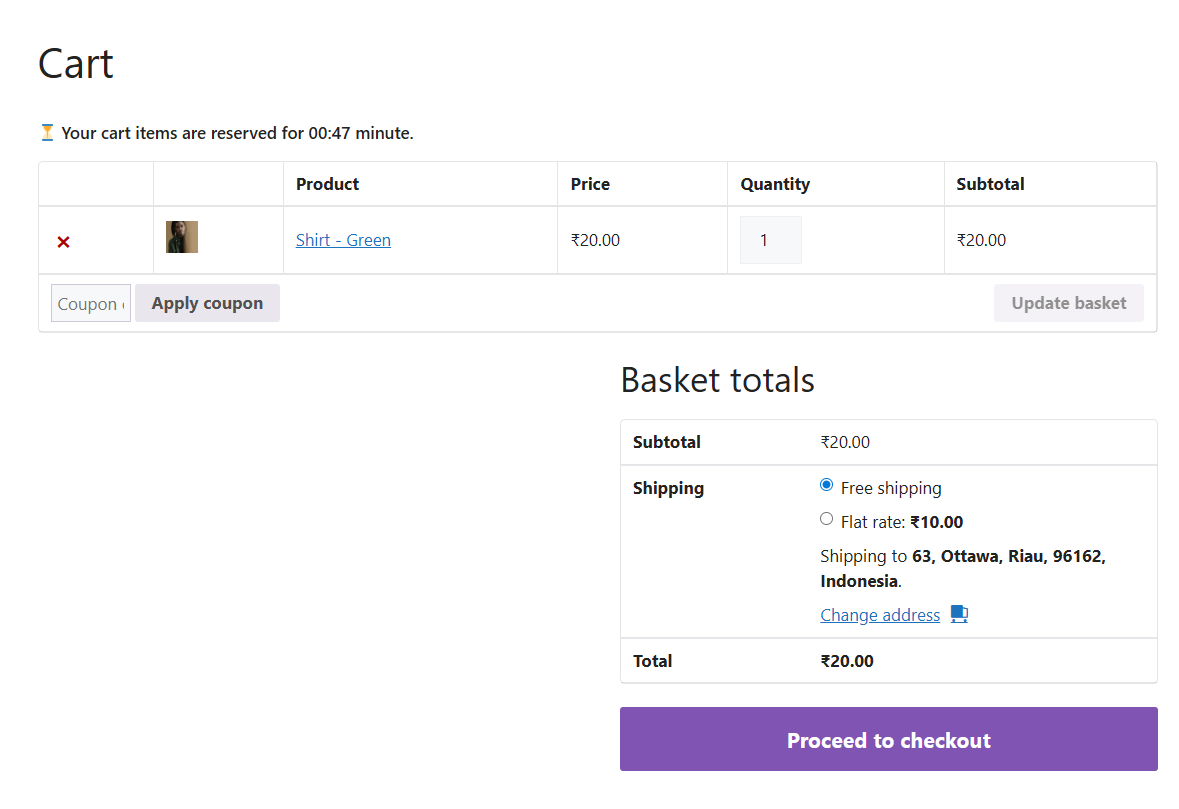
CS WooCommerce Cart Reservation Timer automatically reserves WooCommerce product stock as soon as an item is added to the cart. This ensures inventory is temporarily locked for the customer, preventing other users from purchasing the same stock simultaneously.
The plugin is ideal for limited inventory stores, flash sales, and high-demand products. Reserved stock is automatically released if checkout is not completed within the configured time, while successful checkouts permanently deduct stock. The solution is lightweight, stable, and fully integrated with WooCommerce inventory settings.
Installation
- Install the plugin using the WordPress built-in Plugin installer, or upload the plugin folder to
wp-content/plugins/. - Activate the plugin from the Plugins menu in WordPress.
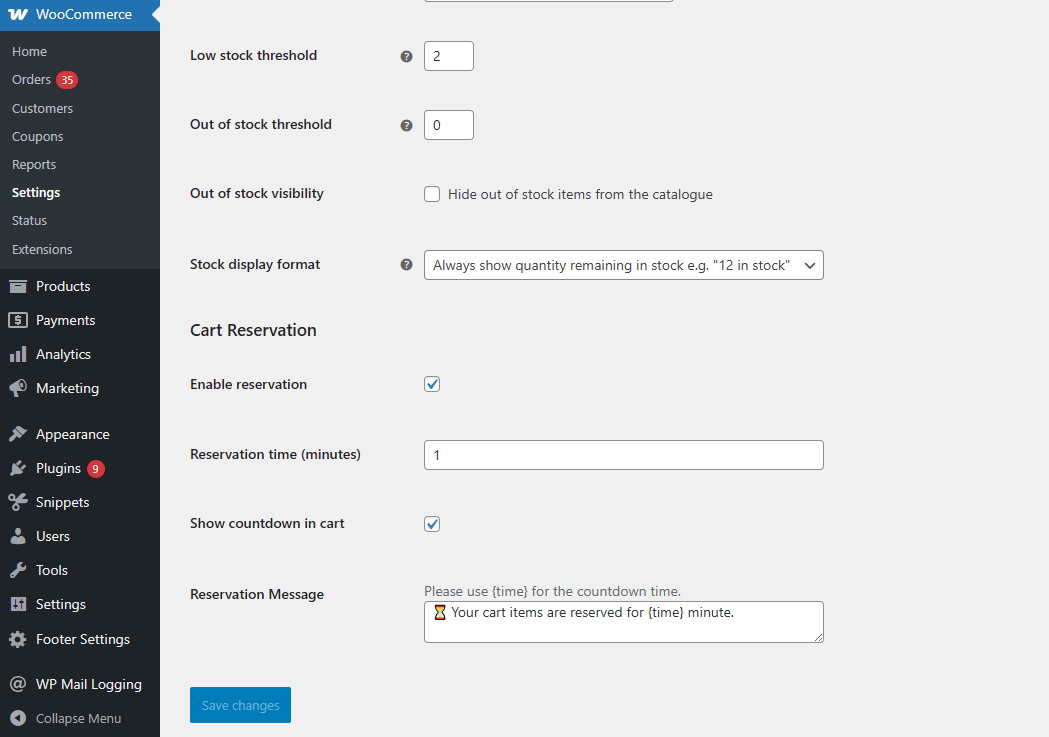
- Navigate to WooCommerce → Settings → Products → Inventory.
- Configure the Cart Reservation Timer settings as required.
- Save changes. Stock reservation will now apply when products are added to cart.
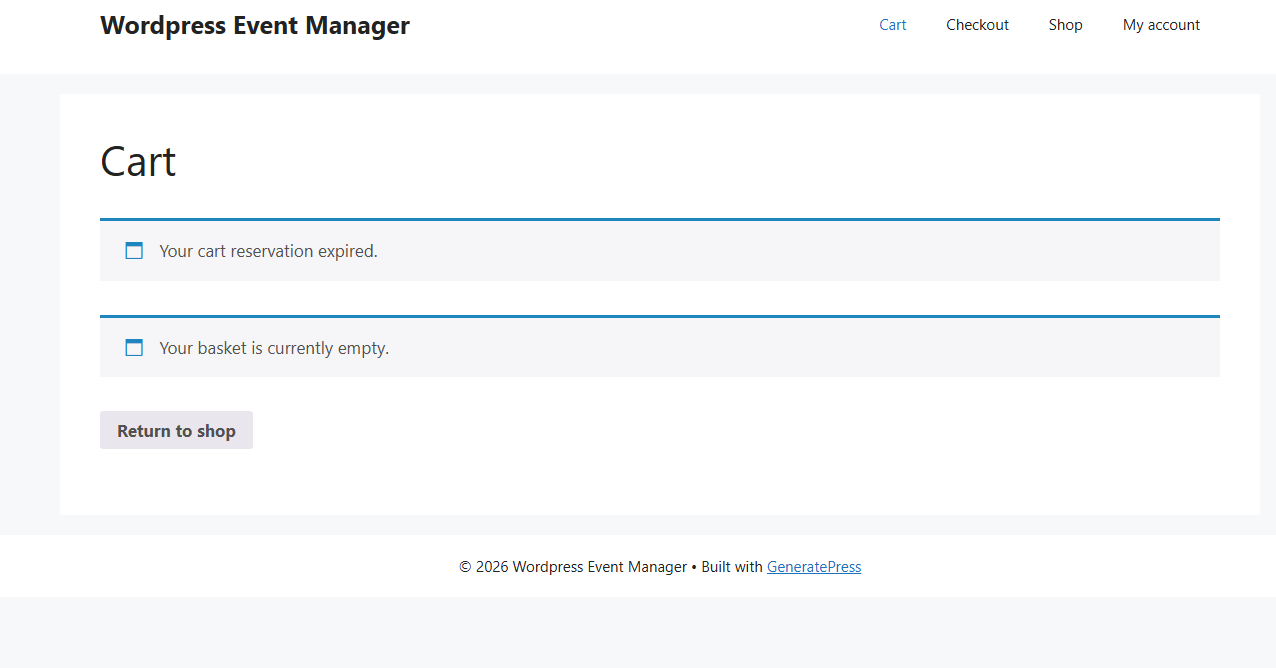
Screen Shots
You may also like our other Products



Reviews
There are no reviews yet.