
WooCommerce Default Checkout Editor
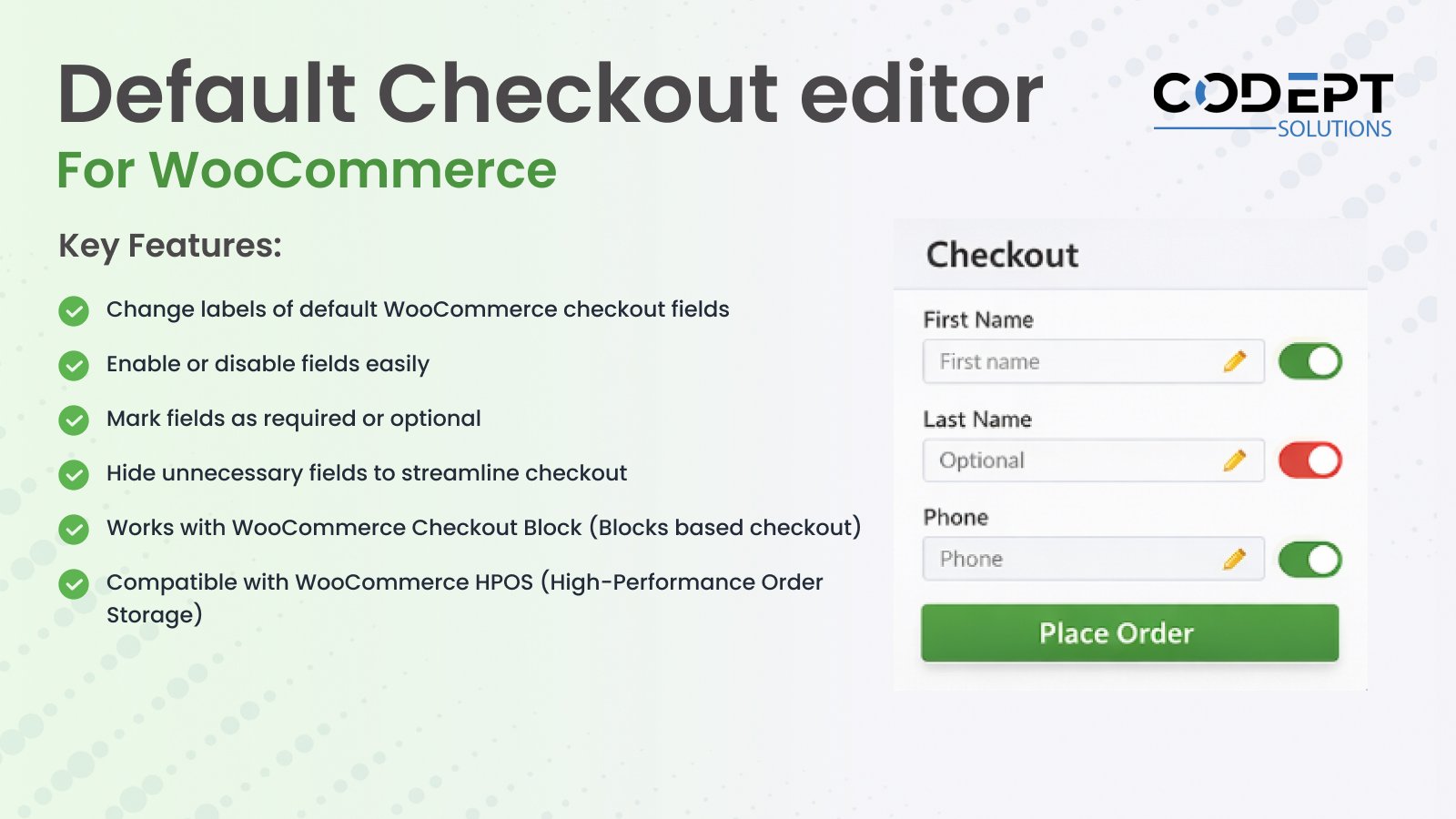
Want full control over your WooCommerce checkout fields without writing a single line of code?
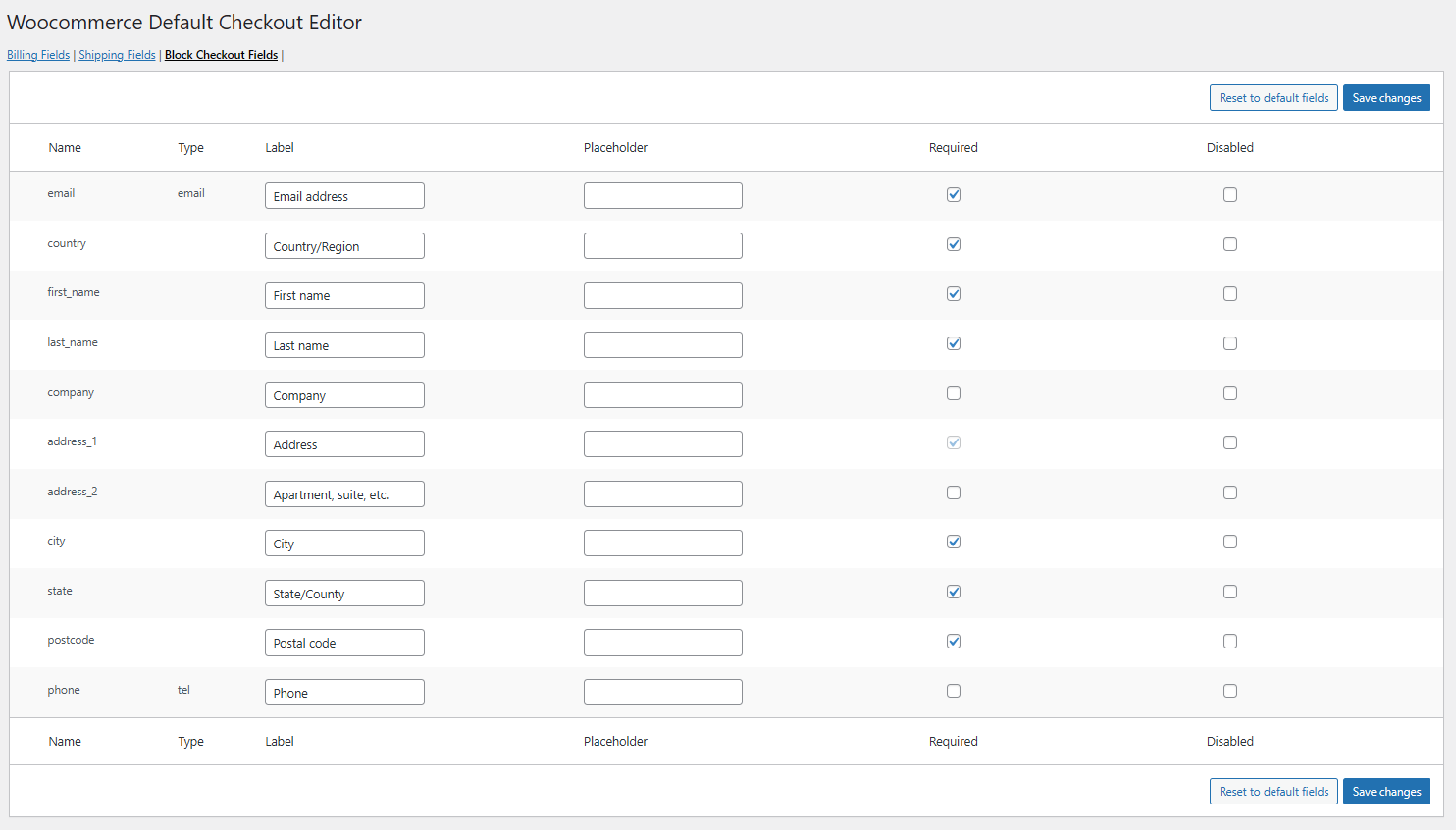
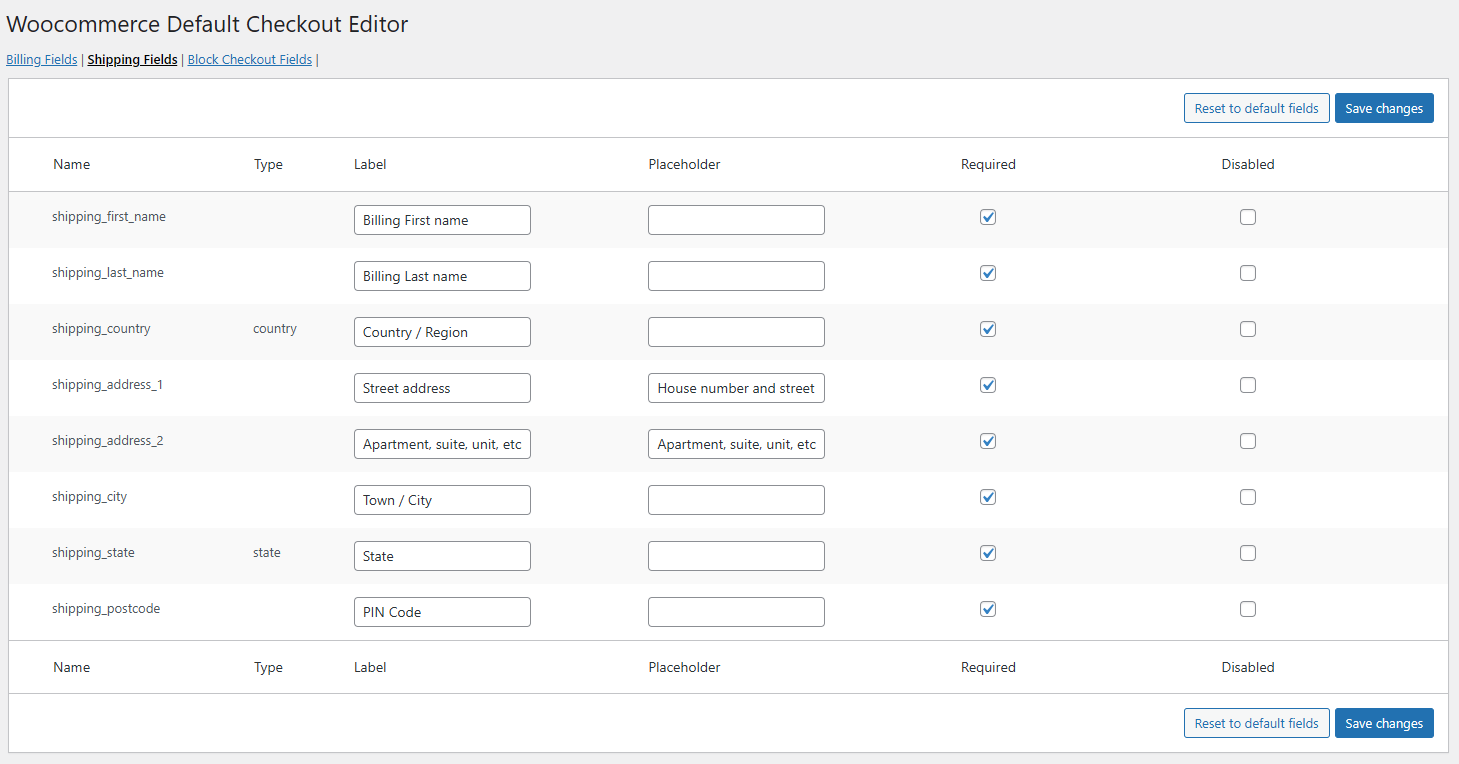
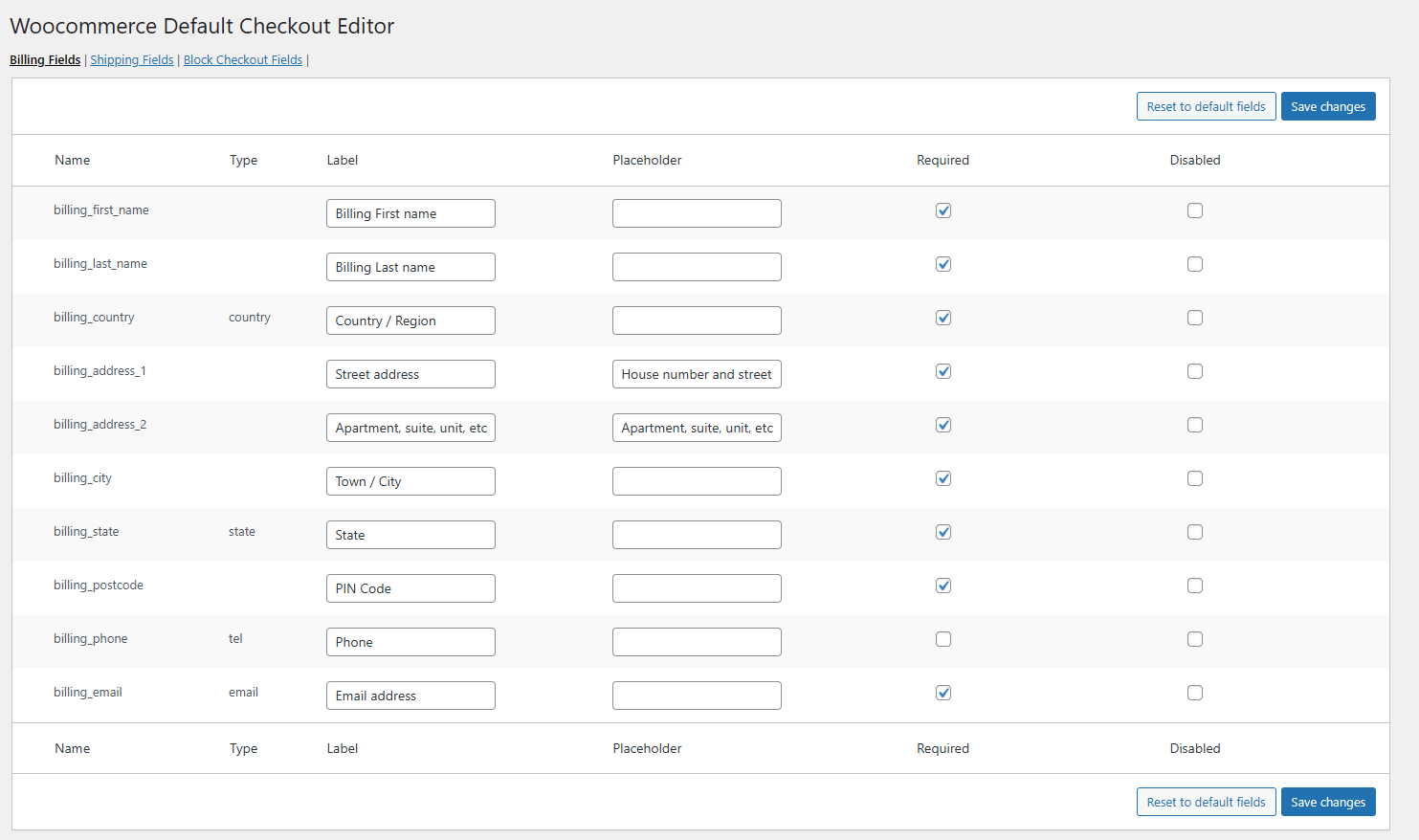
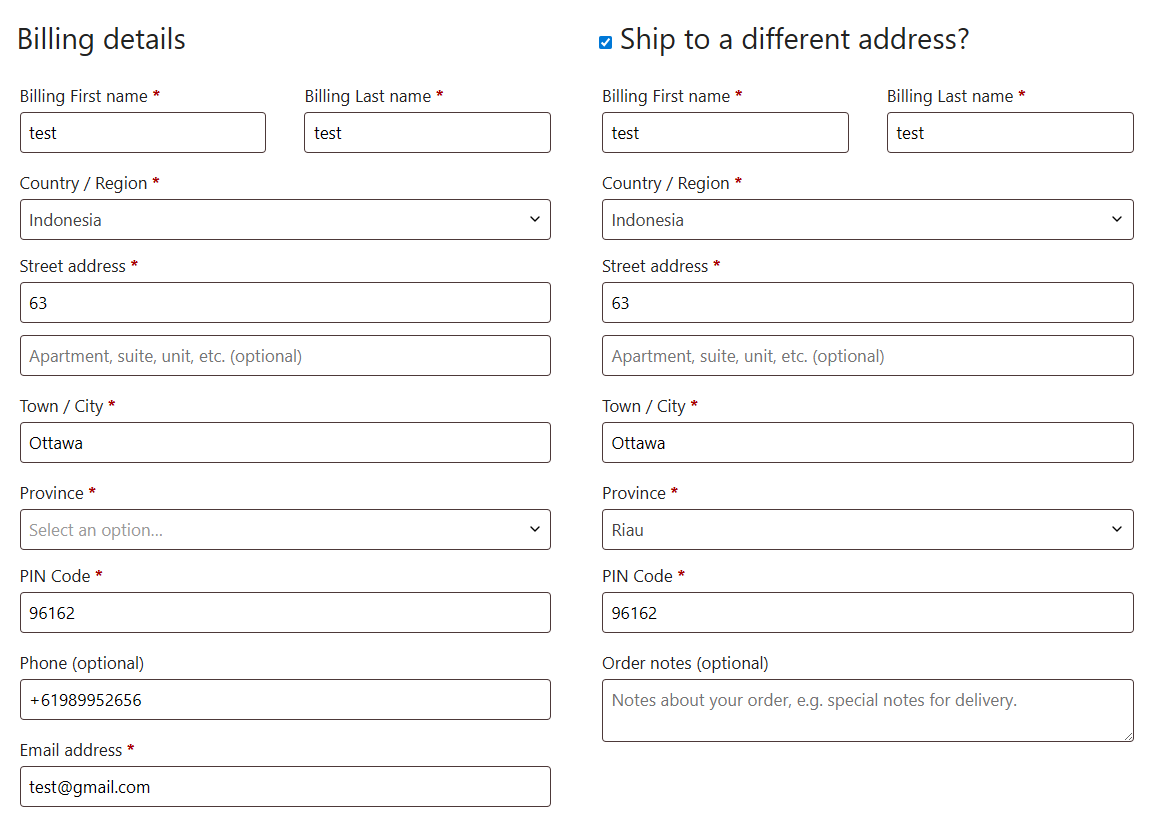
WooCommerce Default Checkout Editor allows you to customize the default WooCommerce checkout fields with ease. You can enable or disable fields, change labels, and mark fields as required or optional — all from a simple admin interface.
The plugin is fully compatible with WooCommerce Checkout Blocks and High-Performance Order Storage (HPOS), ensuring smooth performance with modern WooCommerce setups.
Installation
- Install the plugin using the WordPress built-in Plugin installer, or upload the plugin folder to
wp-content/plugins/. - Activate the plugin from the Plugins menu in WordPress.
- Go to WooCommerce → Default Checkout Editor in the WordPress admin menu.
- Configure your checkout field preferences and save changes.
Screen Shots
You may also like our other Products



Reviews
There are no reviews yet.